🙋♀️ Most iOS Developers Are Adding AI Wrong
5 min read · Building in public toward AI-native iOS engineering

🧠 The pattern I keep seeing
There’s a pattern repeating across modern iOS codebases.
An engineer integrates an LLM API.
It works. The feature ships.
And then… nothing evolves.
It just sits there — a chat box bolted onto an app that was never designed for AI.
I call this:
“AI-added” development
And it’s fundamentally weaker than what I believe will define the next generation of mobile apps:
AI-native development
⚠️ The “AI-added” trap
Here’s the typical implementation:
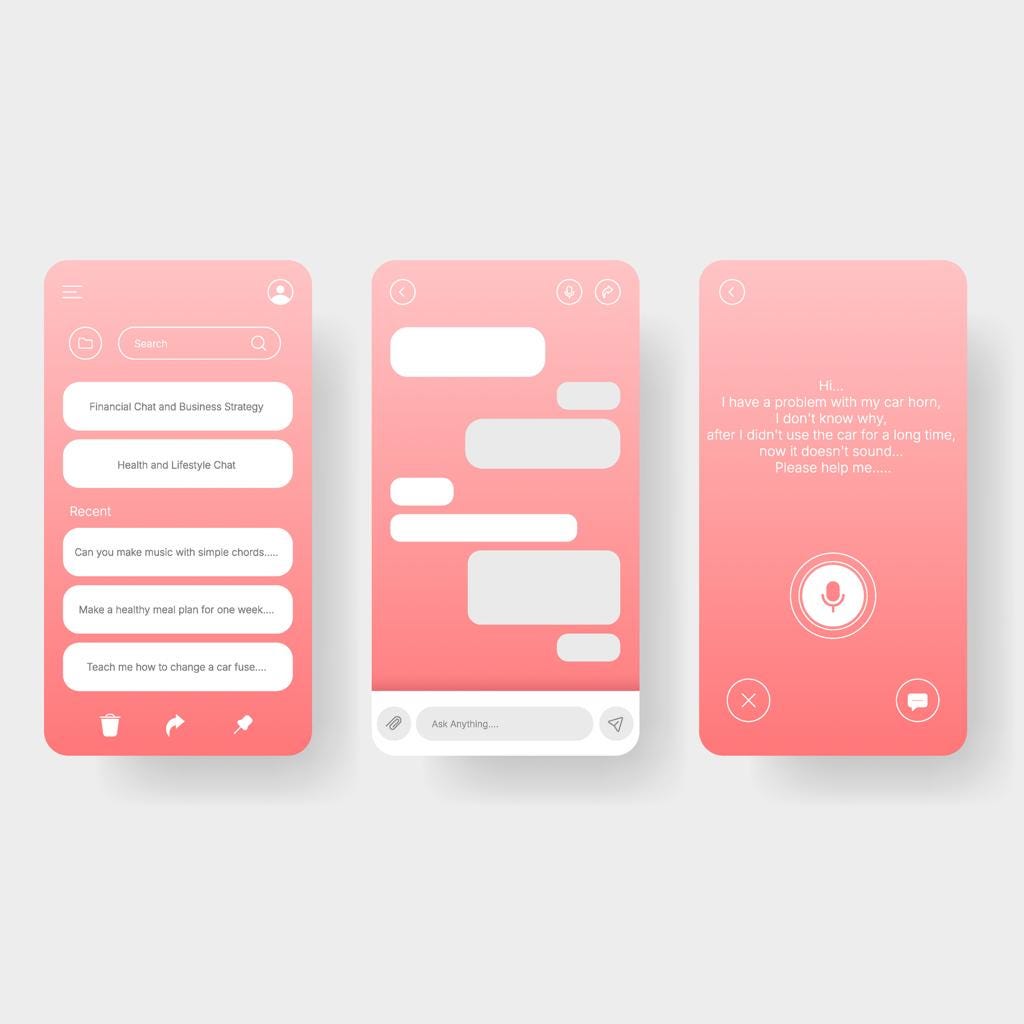
Add a “Summarize” or “Ask AI” button
Call an LLM endpoint
Render the response in a text view
That’s it.
It’s not wrong. It often delivers short-term value.
But architecturally? It’s shallow.
The telltale signs:
AI logic isolated in
AIService.swiftOnly 2 UI states → loading and result
Errors treated like generic network failures
No offline behavior
Output is display-only (no downstream impact)
📉 What happens next?
High Day 1 curiosity
Rapid drop-off by Day 7
Because the feature feels like a demo, not a product.
🏗️ What AI-native actually looks like
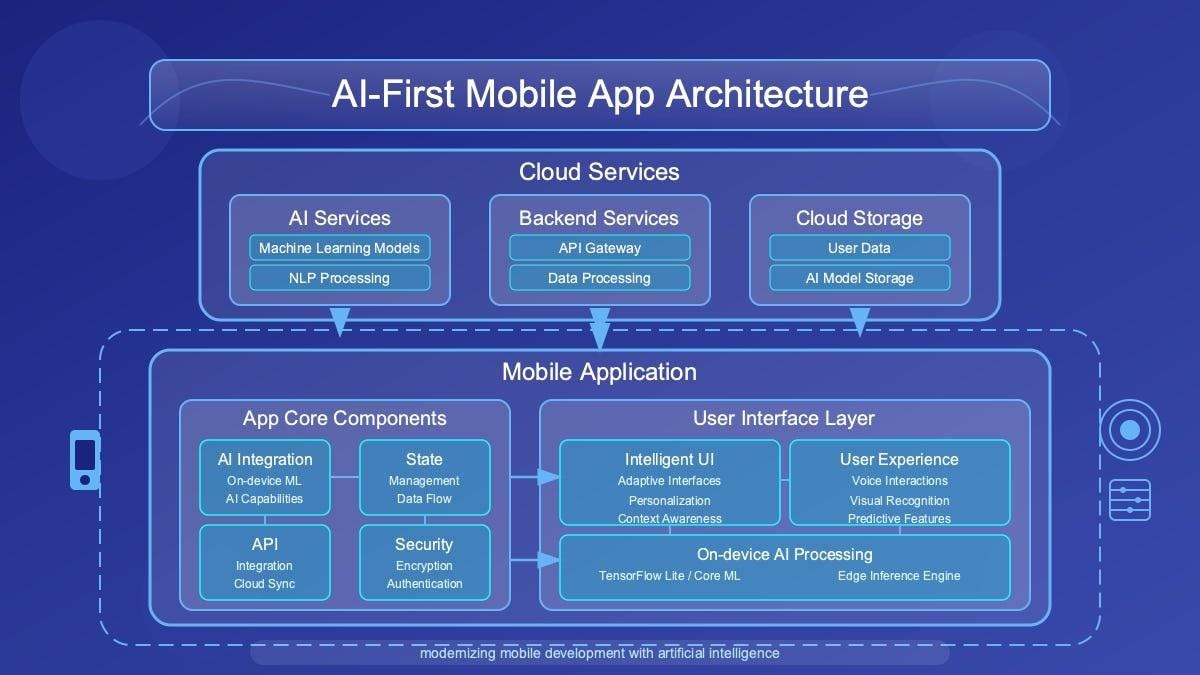
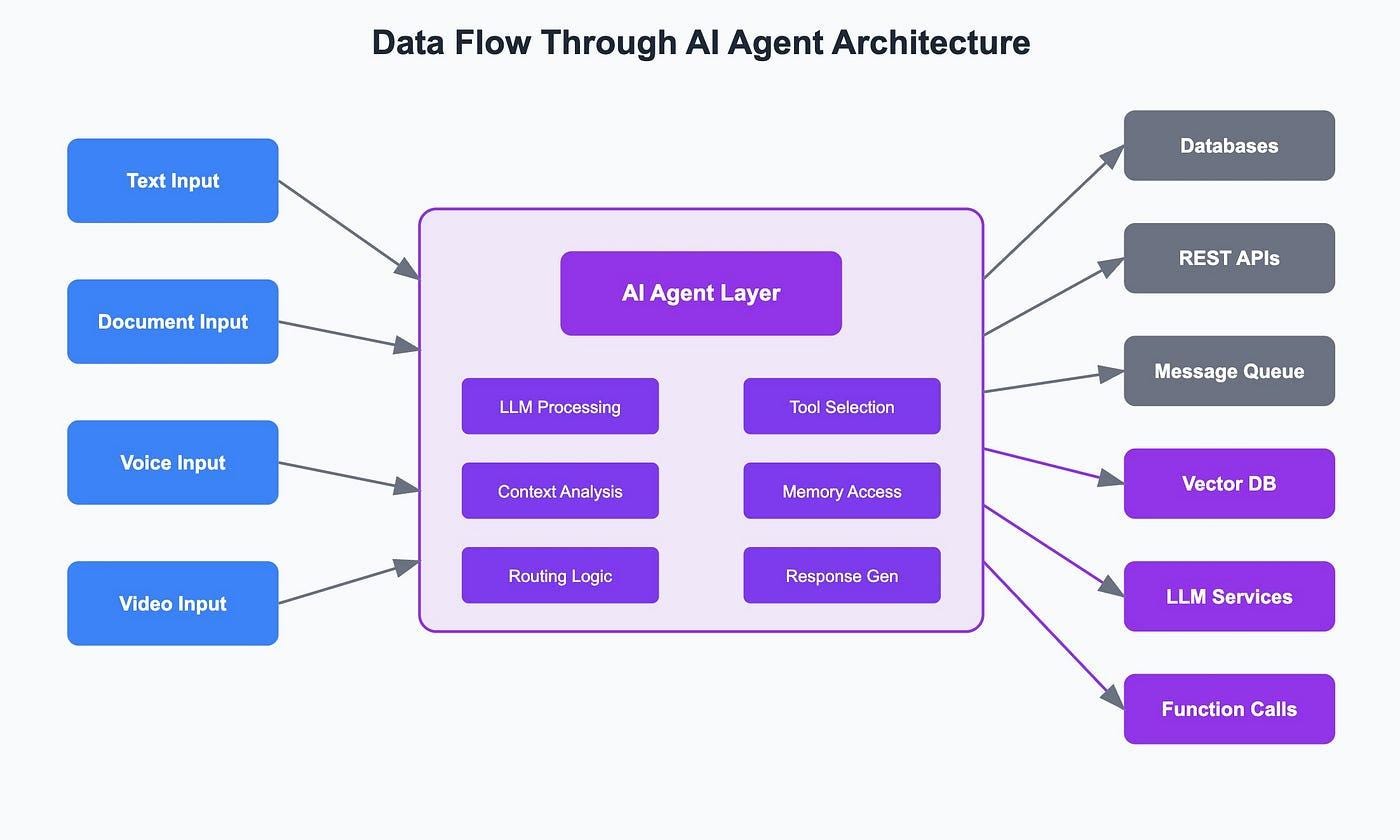
AI-native isn’t about adding intelligence.
It’s about designing around it from day one.
1. AI state is first-class
Not just:
loading
done
But:
generating
streaming
partial
uncertain
failed
fallback (on-device)
This becomes part of your UI contract, not an afterthought.
@Observable
class AIFeatureModel {
    var state: AIState = .idle
    var streamedText: String = ""
    var finishReason: FinishReason?
    var tokenCount: Int = 0

    enum AIState {
        case idle
        case generating
        case streaming(progress: Double)
        case complete
        case failed(AIError)
        case fallback
    }
}
👉 This is no longer a function call.
It’s a stateful system.
2. Output is not text — it’s data
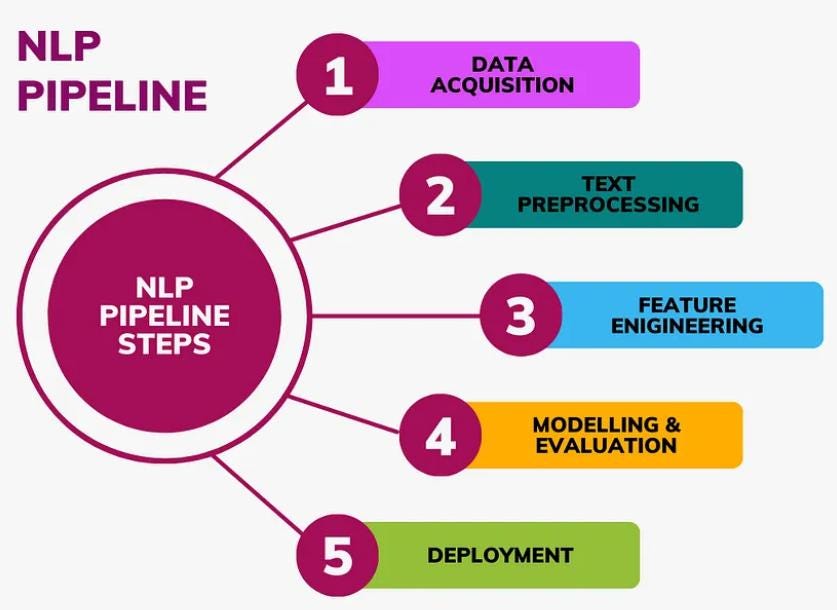
In AI-added systems:
Output = string
In AI-native systems:
Output = structured data that drives the app
Examples:
Extracted date → auto-fill calendar
Location → update map
Intent → trigger workflow
AI becomes a controller, not a renderer.
3. Graceful degradation is designed upfront
API slow → stream partial results
API down → fallback to on-device / heuristics
Low confidence → surface uncertainty
The app still works.
That’s the difference between:
✖️ novelty feature
✔️ production system
🔍 The one question that reveals everything
“What happens when the AI is wrong?”
This is the litmus test.
AI-added apps:
No answer
Blindly display output
AI-native apps:
Correction flows
Confidence signals
Retry / fallback logic
Human override paths
This is where user trust is built — or lost.
💼 Why this matters (especially for your career)
Right now:
“iOS developer who can call an LLM API”
→ becoming commodity
But:
“iOS engineer who can design AI-native systems”
→ still rare
Because it requires:
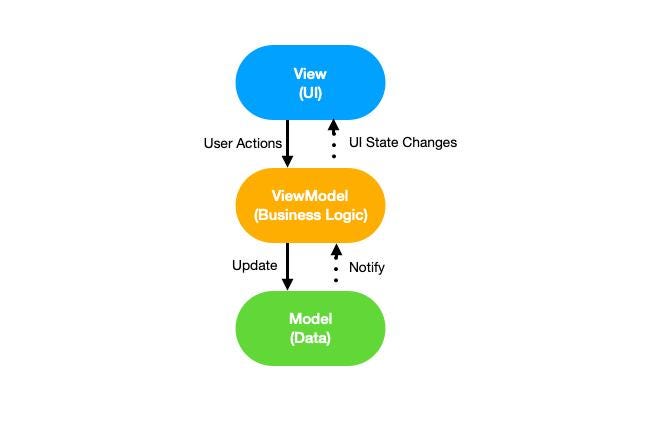
Strong iOS architecture (MVVM, state, modularization)
Concurrency & performance understanding
Product thinking
Real-world failure handling
AI/ML intuition
That intersection is high leverage.
And that’s where differentiation — and EB1A-level impact — comes from.
🔄 The shift starts here
Before building any AI feature, ask:
What are all possible states? (not just success)
Where does the output flow into the system?
What happens when the AI fails or lies?
If you answer these upfront:
You’re designing AI-native.
If not:
You’re just attaching AI.
✍️ Why I’m writing this
This is Day 1 of building in public.
I’m documenting:
AI-native mobile architecture patterns
Real iOS + AI implementation strategies
Failures, tradeoffs, and production lessons
👉 Goal:
Build a body of work that pushes beyond tutorials and into systems thinking for AI apps
📌 What’s coming next
On-device AI vs API tradeoffs in iOS
Streaming UI patterns in SwiftUI
Designing AI observability into apps
Real production architectures (not toy demos)
🔔 If this resonated
Follow along if you’re:
An iOS engineer exploring AI seriously
Building AI features that need to scale
Or trying to stand out beyond “API integration”